
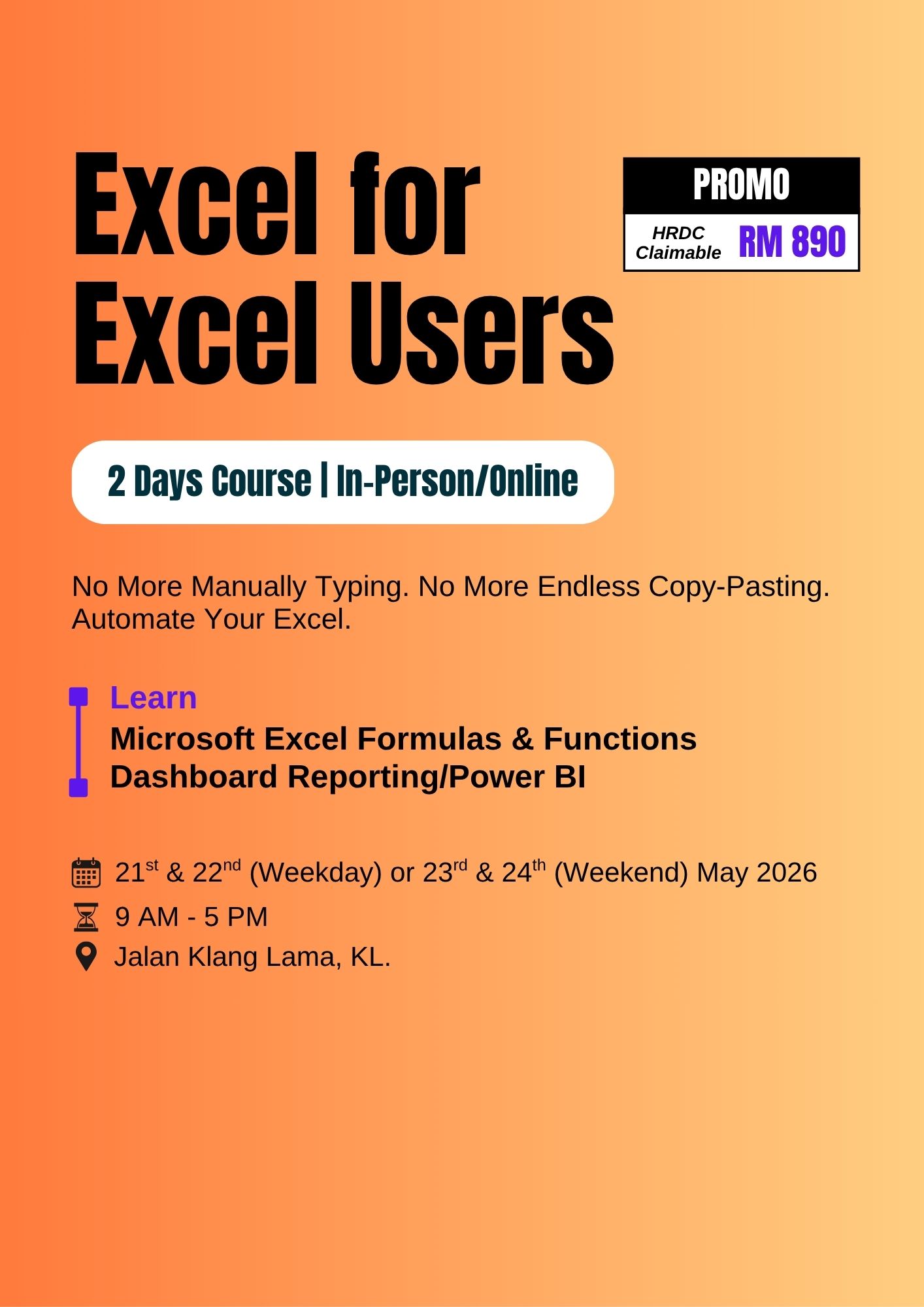
Excel for Excel Users
Stop Wrestling With Excel.
Start Building Dashboards That Impress.
A hands-on 2-day course for professionals who already use Excel and are ready to work faster, report smarter, and build executive-ready dashboards — without learning to code.
Course Overview
This course is designed for professionals who already use Microsoft Excel and want to take their skills to the next level. Participants will learn how to work smarter with formulas, analyse data efficiently and transform raw data into clear, interactive dashboards for business reporting and decision-making.
The course focuses on practical, real-world Excel usage — combining essential formulas, data aggregation techniques and modern dashboard design principles.
Who Should Attend?
- Executives and managers who rely on Excel reports and dashboards
- Business analysts and reporting professionals
- Finance, HR, Sales, Operations and administrative staff
- Excel users who work with data regularly and want to improve efficiency
- Anyone who already uses Excel and wants to create smarter reports and dashboards
Prerequisite
- Basic working knowledge of Excel (data entry, basic formulas, formatting)
- Experience using Excel for simple reports or data analysis
If you can open a spreadsheet, type a SUM formula and apply basic formatting — you are ready for this course.
Learning Outcomes
By the end of this course, participants will be able to:
- Structure and prepare data effectively for reporting and analysis
- Apply essential Excel formulas to automate calculations and data retrieval
- Use logical, lookup, text and date functions in real business scenarios
- Aggregate and summarise data using formulas and PivotTables
- Create meaningful KPIs and summary metrics
- Design clear, professional charts and visualisations
- Build interactive dashboards using slicers and dynamic elements
- Reduce manual work by creating reports that update automatically
- Develop complete, executive-ready Excel dashboards from start to finish
Outline
- Module 1: Excel for Business Reporting
- Module 2: Preparing and Structuring Data
- Module 3: Essential Excel Formulas for Reporting
- Module 4: Data Aggregation & KPI Creation
- Module 5: Charting for Business Insight
- Module 6: KPI Visuals & Data Highlighting
- Module 7: Interactivity & Automation
- Module 8: Dashboard Layout & Design
- Module 9: Capstone – Building a Complete Dashboard
- How Excel is used in modern business reporting
- Common reporting challenges and inefficiencies
- Formula-driven vs PivotTable-driven reporting
- What makes a good Excel report or dashboard
- Data cleaning fundamentals
- Structuring raw data for reporting
- Using Excel Tables for dynamic ranges
- Understanding data granularity
- Best practices for maintainable source data
- Formula structure and references (relative, absolute, mixed)
- Lookup functions: XLOOKUP, INDEX/MATCH
- Logical functions: IF, IFS, AND, OR
- Text functions for data cleanup
- Date functions commonly used in reports
- Dynamic array formulas: FILTER, SORT, UNIQUE
- Using PivotTables for summarisation and analysis
- Creating calculated fields
- Building KPI and summary tables
- Choosing between formulas and PivotTables
- Designing metrics that auto-update
- Selecting the right chart for the message
- Creating dynamic charts using Tables and PivotTables
- Combination charts and drill-down visuals
- Formatting charts for clarity and impact
- Conditional formatting for insights
- KPI indicators (icons, traffic lights)
- Sparklines and progress bars
- Heatmaps for trend analysis
- Using visuals to highlight performance
- Slicers and timeline controls
- Dropdown-driven dashboards
- Linking formulas to user selections
- Creating interactive, user-friendly reports
- Dashboard design best practices
- User experience and readability
- Layout grids, spacing, and alignment
- Consistent colour themes
- Using shapes and containers effectively
- End-to-end dashboard development
- Connecting data, metrics, and visuals
- Ensuring scalability and easy maintenance
- Protecting and sharing dashboards with stakeholders
